01
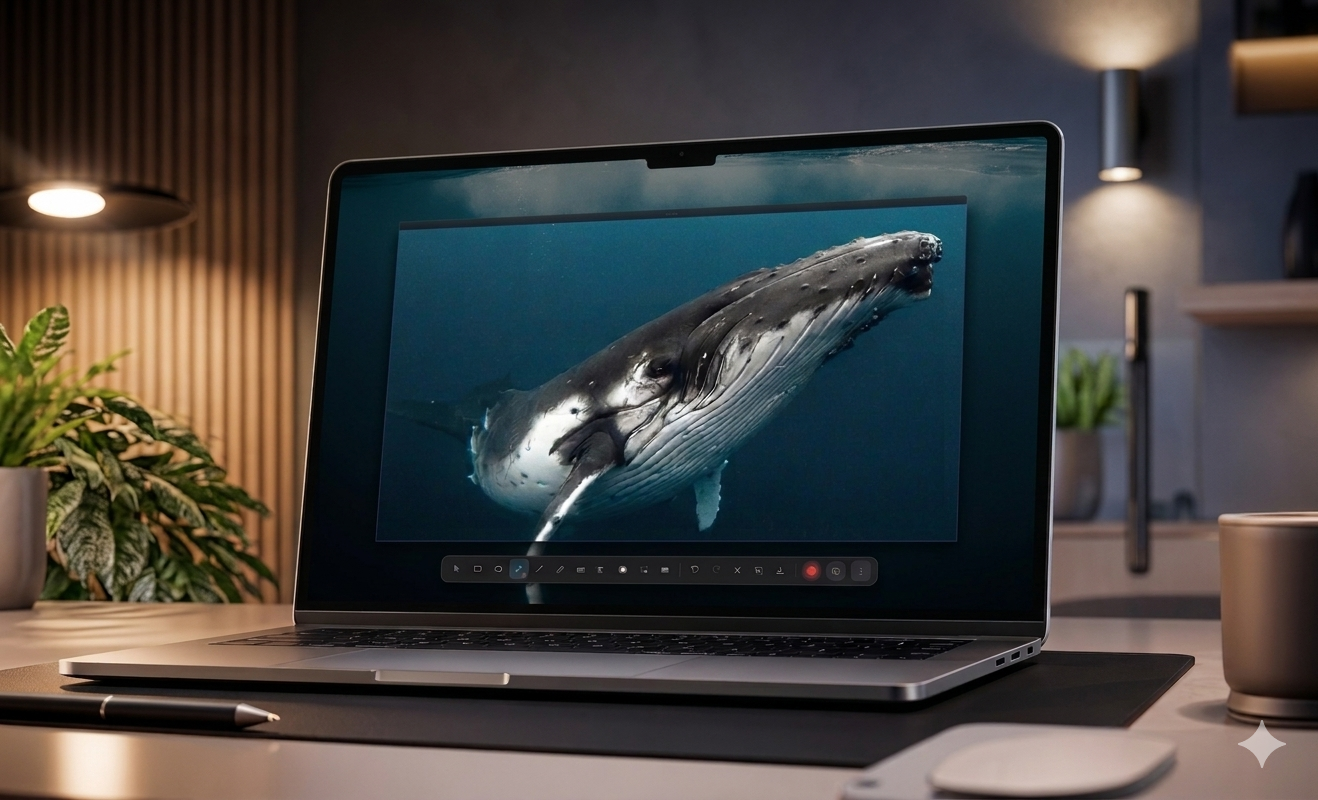
Frame the exact thing.
Region capture, multi-display support, and cursor-aware recording keep the evidence precise.
Capture any screen, mark it up fast, blur the sensitive bits, and share it instantly without breaking your flow.
About SnipSend
SnipSend turns a raw capture into a clear, shareable artifact: annotated, redacted, recorded when needed, and stored where your team already works.
Why it exists
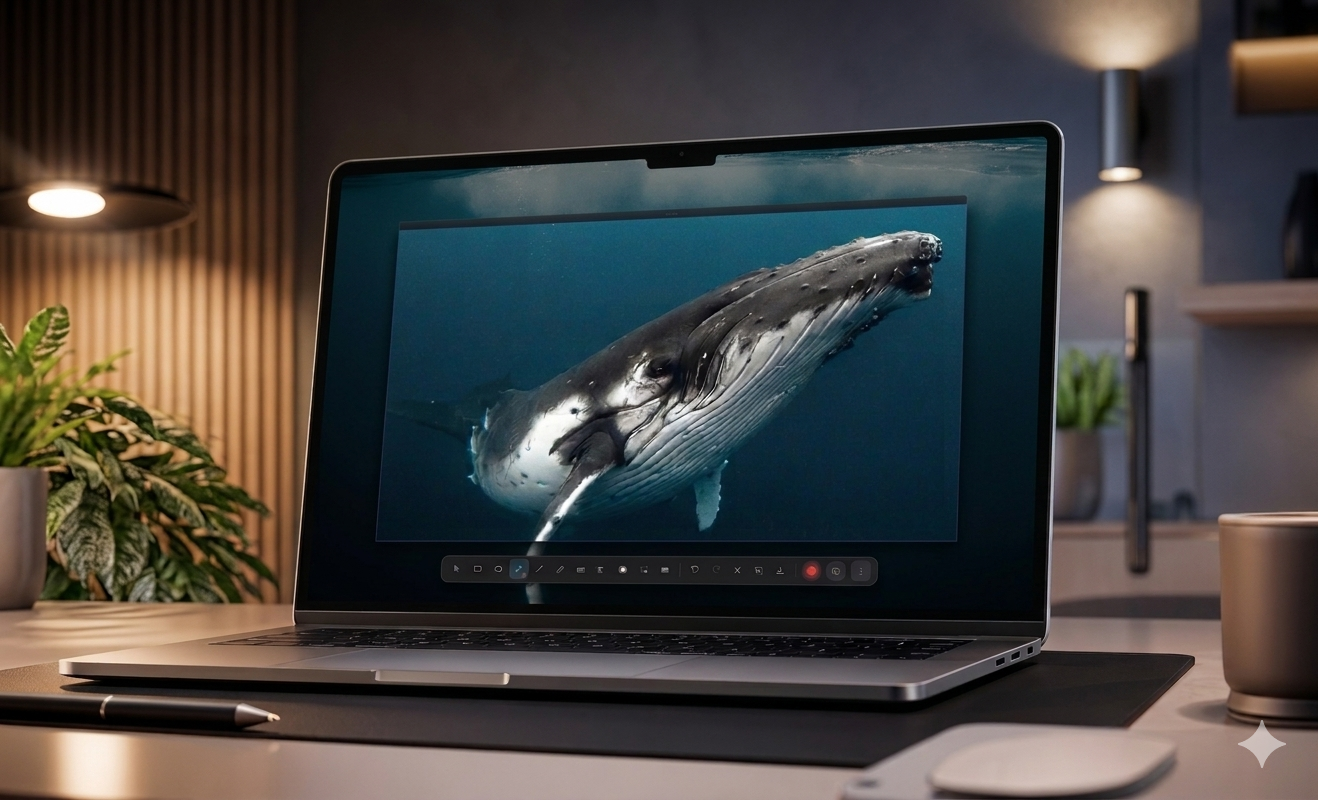
Most screenshot workflows stop at an image file. SnipSend carries the whole job: capture the exact region, add visual direction, hide private details, and export in the format the work actually needs.
Workflow
The app stays light because the process is complete. Each step is built to reduce another tab, another upload, another follow-up message.
Region capture, multi-display support, and cursor-aware recording keep the evidence precise.
Arrows, shapes, crop, highlights, and text callouts make the next action visible at a glance.
Manual blur and redaction help remove keys, emails, customer data, and internal details before sharing.
Save locally or to Google Drive, share directly to your team, and manage your full capture history in one place.
Features
Fast enough for everyday screenshots, thoughtful enough for support, product reviews, QA reports, and team updates.
Open a snip into an editor with annotation, crop, blur, and export controls already in reach. No file hunting, no paste-into-a-doc detour.
Redact sensitive information before the capture leaves your machine.
Capture lightweight clips with mic, webcam overlay, cursor marker, trim controls, GIF export, and MP4 export.
Lock a reusable capture frame, move it step by step across your workflow, then export the sequence as a PNG set, PDF, or editable DOCX — ready to paste into any doc.
Google Drive support is ready now, with Box, OneDrive, and Dropbox planned next.
Hit the shortcut, mark up what you're looking at, and paste. The annotated screenshot lands in ChatGPT, Claude, or Gemini ready to go — faster than typing out what you're seeing.
Specs
macOS 12+ and Windows 10 / 11, with the same core capture and editing workflow.
Auto, Click to Capture, Multi Capture, and Step-by-step — all launchable from the tray or global shortcut.
Local saves, Google Drive cloud sharing, and a full capture history you can manage from the app.
PNG for screenshots, PDF and DOCX for step-by-step guides, WebM and GIF for recordings, and MP4 where supported.
Pricing
Download SnipSend with a full 14-day trial. After that, stay on the free plan or lock in lifetime access while early pricing is available.
Free
Five captures per day with basic annotation and watermark.
Early access
Unlimited captures, no watermark, full annotation, redaction, step-by-step exports, recording, GIF export, and all future updates.
Enterprise
Volume licensing, unlimited devices, priority support, and custom onboarding for your team.
FAQ
Short version: SnipSend is local-first for capture, cloud-ready for sharing, and built for both Mac and Windows.
No account is required to capture and annotate. You only need to sign in for cloud storage connections and share history.
SnipSend has four modes: Auto Capture (draw and capture immediately), Click to Capture (adjust before capturing), Multi Capture (collect multiple screenshots in one session), and Step-by-step (lock a reusable frame and move it across your workflow). All modes are launchable from the tray or your global shortcut.
Yes. Step-by-step mode captures a matched sequence of screenshots using a locked frame. Export the full set as a PNG sequence, a PDF, or an editable DOCX document ready for Word or Google Docs.
Google Drive is supported now. Box, OneDrive, and Dropbox are planned for upcoming releases.
After the 14-day full trial, SnipSend moves to the free plan unless you upgrade to the early lifetime license.
Capture the issue, point to the fix, protect the private bits, and send one link.